

Your event, on the big screenGive the memories
Give the memories
their moment.
Bring your photos to the TV or projector with a built-in slideshow. Plus and Max include a live slideshow that updates as photos arrive.
QR code photo sharing for weddings & events
The happy tears. The terrible dancing. The moments you missed. Collect your guests’ photos and videos in one gallery you’ll keep coming back to.
One QR code. No app. No guest sign-up.
From $44.99 USD / event. One payment. All the memories.
Create a draft, then choose a package before sharing.
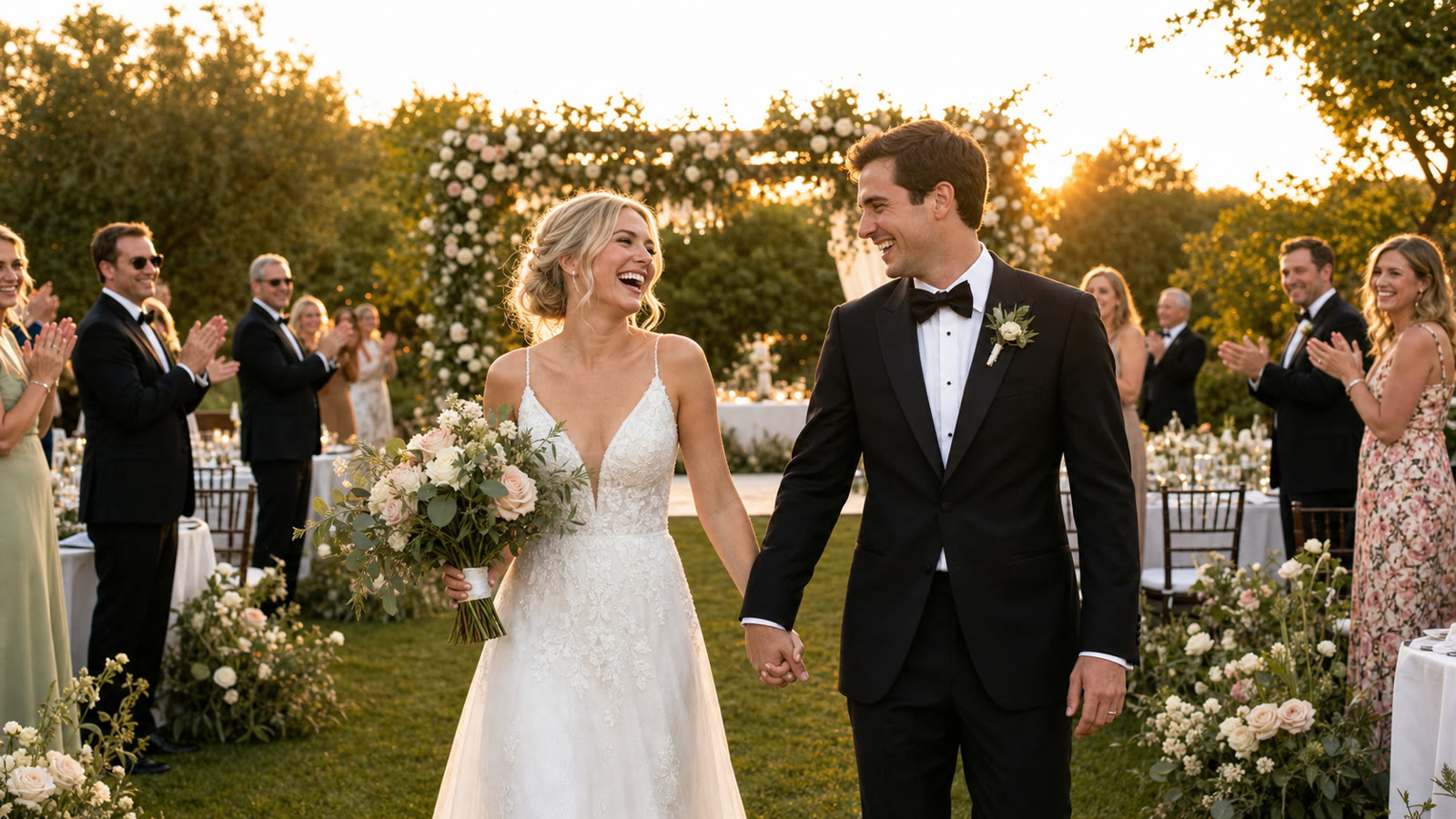
Emma & James
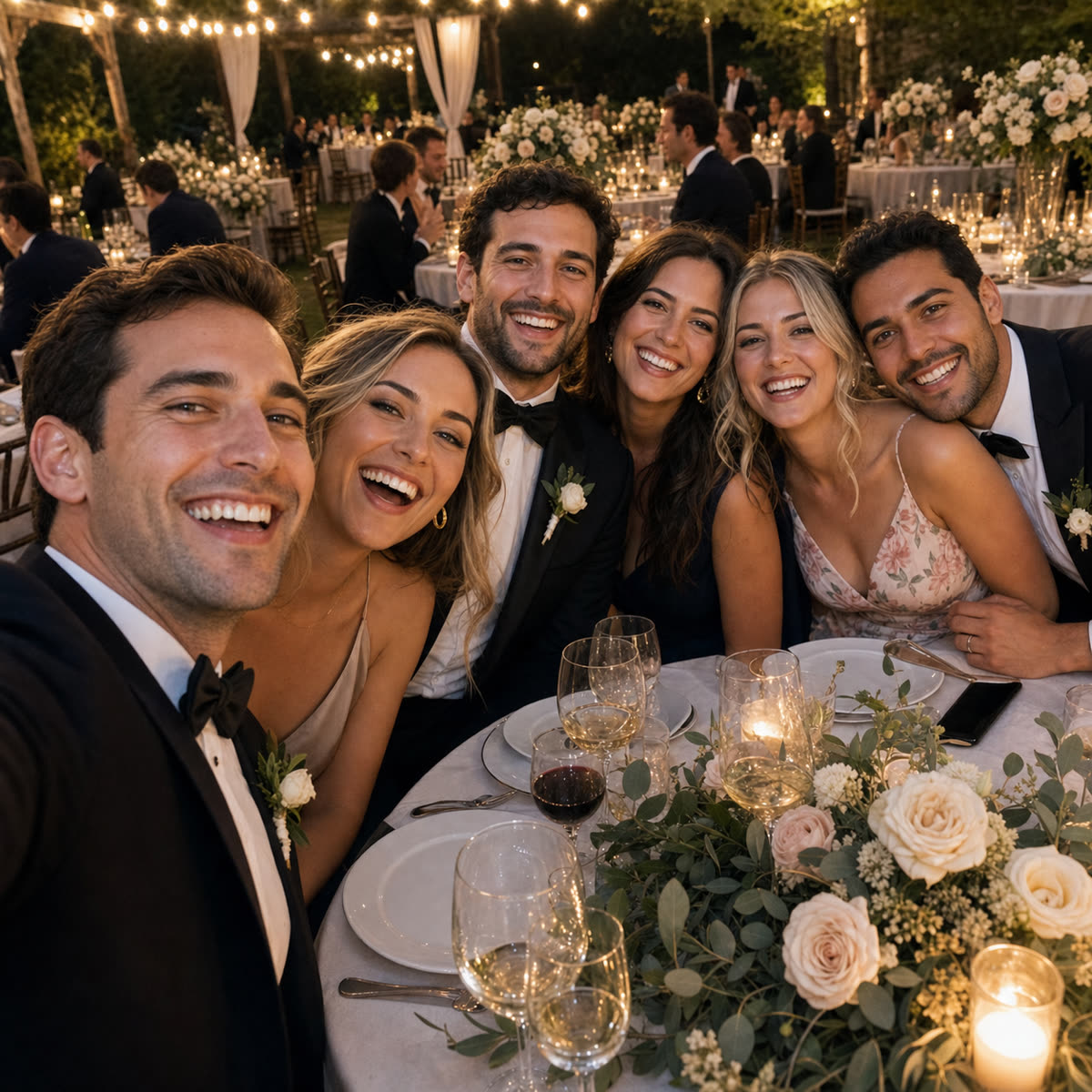
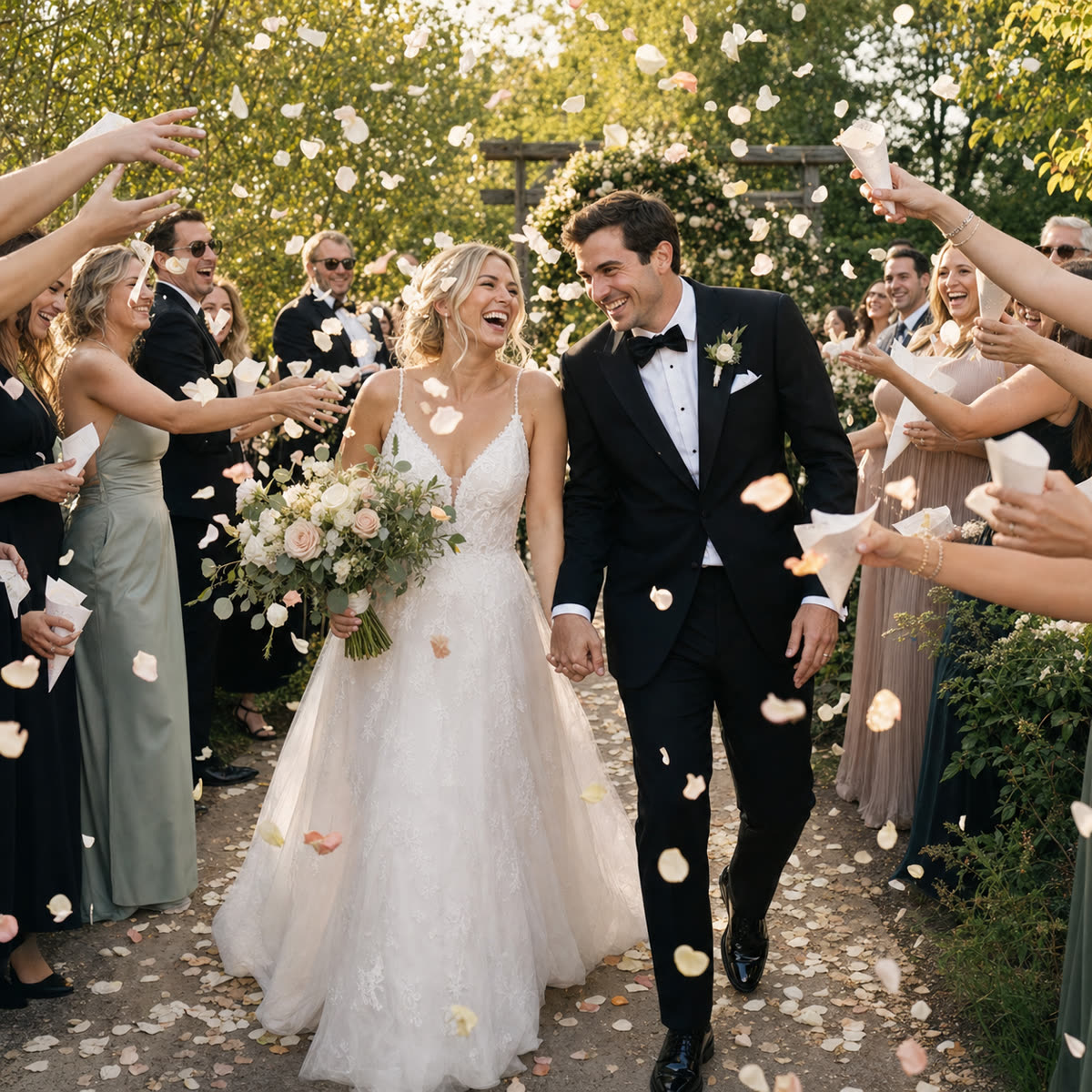
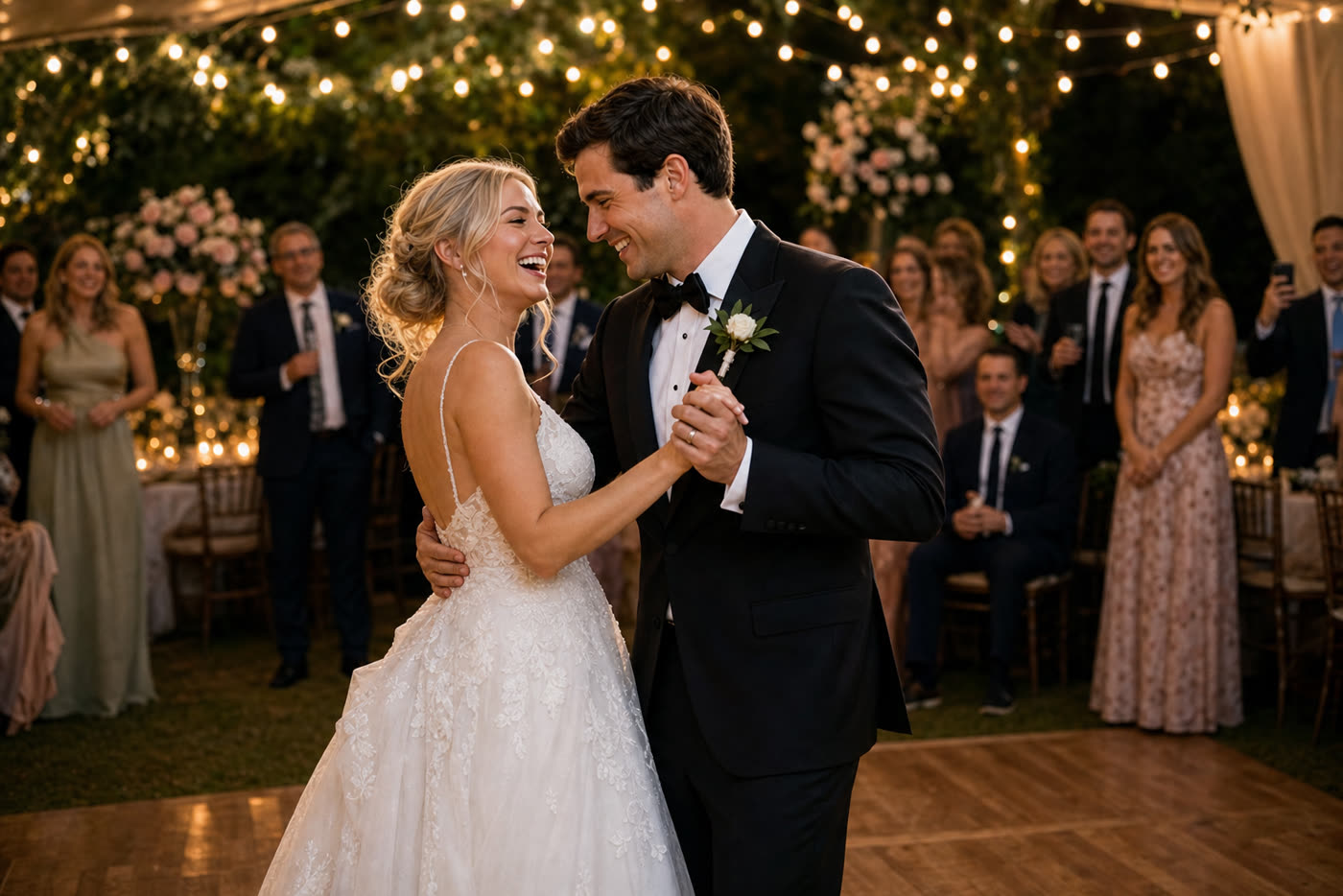

One scan and they’re in. No guest accounts.
Photos and videos. Every perspective.
Keep the originals. Download in one ZIP.
Less chasing. More celebrating.
Getting everyone’s photos shouldn’t be a second event to organize. Here’s how it works.
Add a name, date, and cover photo. Choose the one-time package that fits your celebration.
Pop the QR code on your tables or send the link in a message. Guests scan a QR code and upload from their phones.
Watch your shared gallery fill up, put the slideshow on a screen, and download your originals to keep.
More than a folder of photos
A shared photo gallery, a digital guestbook, and a reason to relive it all.
Bring your photos to the TV or projector with a built-in slideshow. Plus and Max include a live slideshow that updates as photos arrive.
Guests can add a message to their upload and heart their favorite shots. A digital guestbook, written by your people.
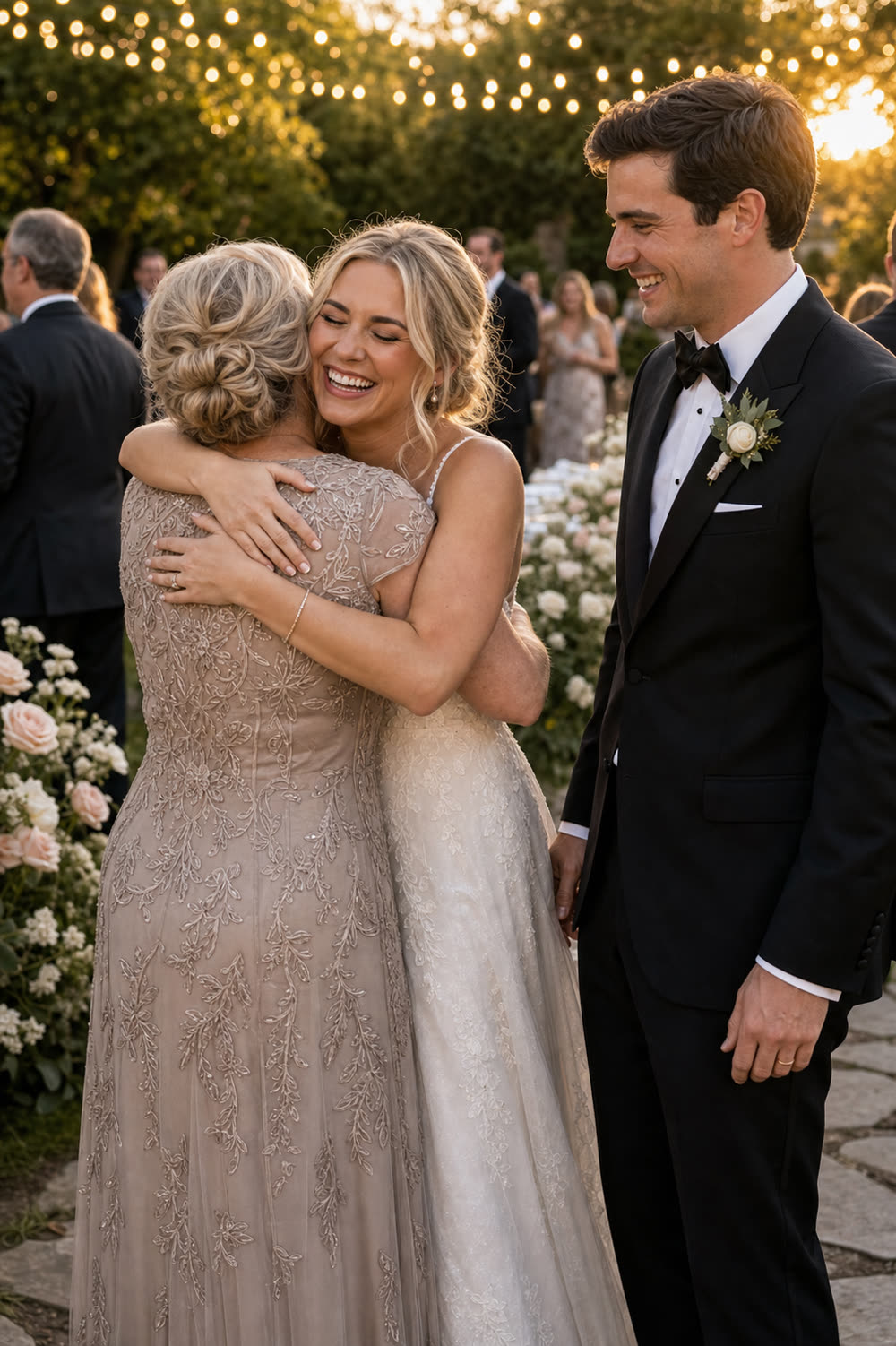
Original-quality ZIP export comes with every package. Download once, reminisce whenever.
Share with your guests, review uploads with optional moderation, and remove anything you don’t want.
iPhone or Android, photos or videos. Guests upload right in their browser.
If your people are there, we’re there.
Every happy tear. Every last dance.
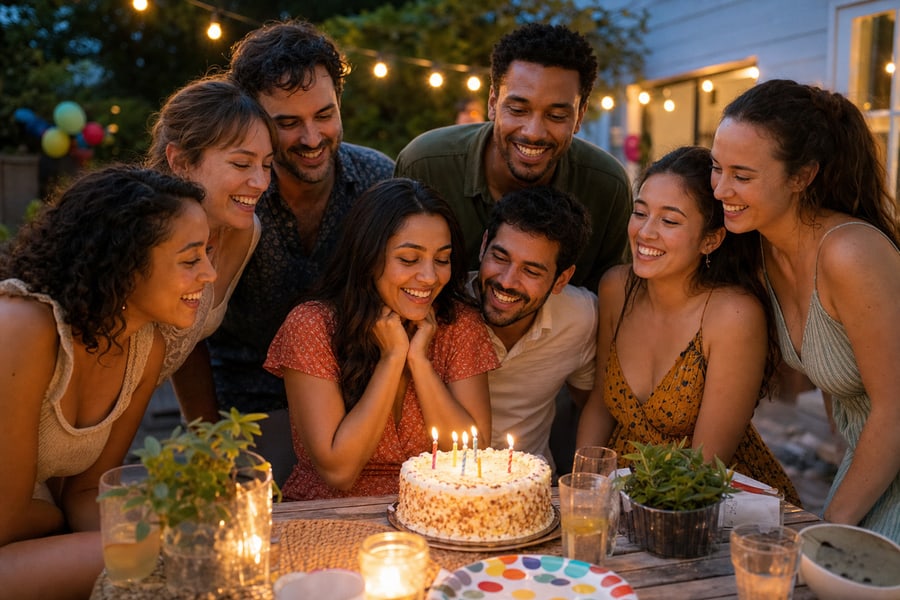
The people who make your day.

Little moments. So much love.

The good times beyond the office.
And all the moments in between: graduations, reunions, anniversaries, and holiday parties.
One event. One payment.
Choose a package for your guest list. Every one includes photos, videos, a QR code, a gallery, and original-quality downloads.
For your nearest and dearest
$44.99USD / event
For the big day, and every angle
$89.99USD / event
For a celebration on a bigger scale
$179.99USD / event
Create your event draft first. Purchase a package before sharing with guests.
Compare every package detailA few things you might be wondering
More questions? We’re here to help.
Talk to PartyLabCreate an event in PartyLab, choose a package, and share your event’s QR code or link. Guests scan with their phone camera and upload photos and videos in their browser. Everything collects in one shared event gallery for you to view, share, and download.
No. Guests scan a QR code or open your event link, choose photos or videos from their camera roll, and upload. There’s no app to install and no guest account to create. It works in modern phone browsers on iPhone and Android.
PartyLab has one-time event packages: Starter at $44.99 USD, Plus at $89.99 USD, Max at $179.99 USD. Create an event draft first, then choose Starter, Plus, or Max before guests upload. A package is required before sharing; there is no free upload tier or recurring event subscription.
Starter includes 2,000 uploads and 25 GB of storage, with up to 100 guests. Plus includes 10,000 uploads and 100 GB of storage, with up to 500 guests. Max includes 50,000 uploads and 1 TB of storage, with no guest cap.
Yes. Every event package includes original-quality ZIP export. Download your event’s photos and videos together while your package’s download window is open, then keep those downloaded files for as long as you like.
Starter includes 3 months of upload and download access. Plus includes 1 year of upload and download access. Max includes 1 year of upload and download access. Download your originals before your event’s access window ends.
Anyone with your event link or QR code can access the guest gallery, so share it with the people you want to invite. As the host, you can remove uploads and enable moderation to review new uploads before they appear.
Guests can upload JPEG, PNG, HEIC, and WebP photos, plus MP4, MOV, and other supported video formats. Starter allows up to 250 MB per uploaded file. Plus allows up to 500 MB per uploaded file. Max allows up to 1 GB per uploaded file.
Be in the moment. Keep it, too.
Give every guest a way to share their side of the story.
Create your eventOne-time event packages from $44.99 USD.